Change your email address:
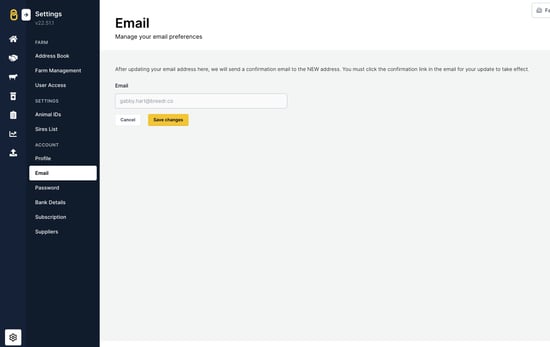
- Go to 'Settings' > 'Email'.
- Type in your new email address > 'Save changes'.
- Enter your password to confirm the email change > 'Confirm'.
Change your email address:
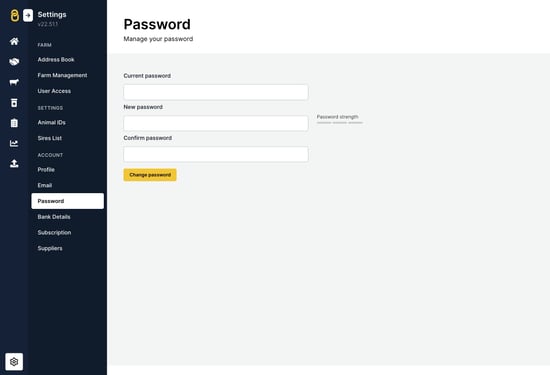
- Go to 'Settings' > 'Password'.
- Type in the 'Current password', followed by the 'New password'. Re-type your new password in the 'Confirm password' field > 'Change password'.
- You will then see a green banner confirming 'Your password has successfully been updated'.