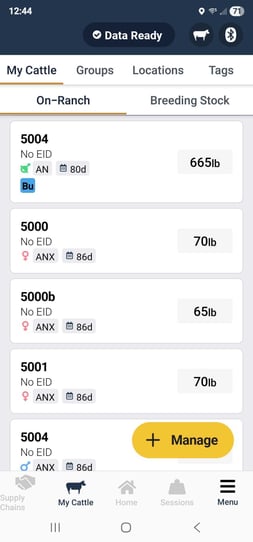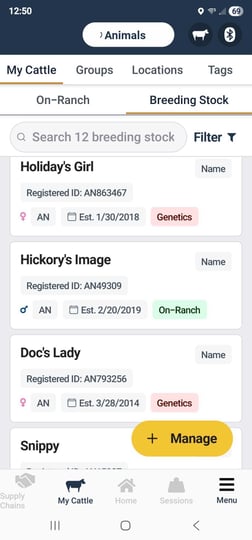
Breeding Stock tab is your one stop shop for all On Ranch Sires as well as Off Ranch AI Sires and Donor Dams. This is located in the My Cattle menu right next to the On-Ranch tab. Check out this quick video for an overview on how it works:
This new list of breeding stock is now a centralized view for all of your genetics. You can easily manage those that are live inventory or not and bulk import or add individually as needed. All animals existing in this list are available to add as dam or sires on offspring and calving records.
The video below shows some of the navigation that has been built in to the table for ease of use.
Key features include:
-
Sort by Male or Female. You can also view ALL animals in the tab.
-
Drag columns left or right to order them how you would like. You can also edit which columns you see.
-
Easily add On or Off Ranch breeding stock from the list or upload via csv import. See this guide for more information.
You can access the Breeding Stock tab in your hand on the mobile app as well. You will notice the green On-Ranch icon and the red Genetics icon on mobile that helps differentiate who are active animals on ranch and who are genetic contributors to an AI program on Embryo program.