
Find your Breedr reports:
Reports are only available through the Breedr web app. Find the icon shown below on the left-hand side of your screen to get to 'Reports'.

Use filters to narrow your search:
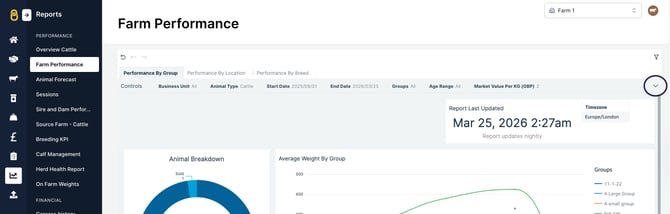
In any of your Breedr reports, click the arrow to the right of the report. You will then see the variety of filter options to narrow down your range of information.
Export reports:
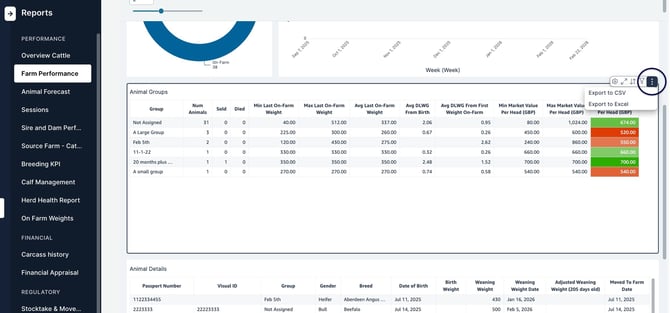
In the upper-right corner of each report, there are three dots when you hover your mouse over the table. Click on these dots to reveal the export options to download the information from Breedr.
You can then go to your downloads folder on your computer and open the file to manipulate or print the information.
Relevant articles:
Overview of logging activities against animals
Apply medicine to your animal/s in Breedr
Need some help? Use the chat window to your right on the web or the help button on your mobile app, call our Customer Support team on +44 (0) 3300 436327 or email support@breedr.co.