
What are 'Active Sessions' under 'Quick Weigh'?
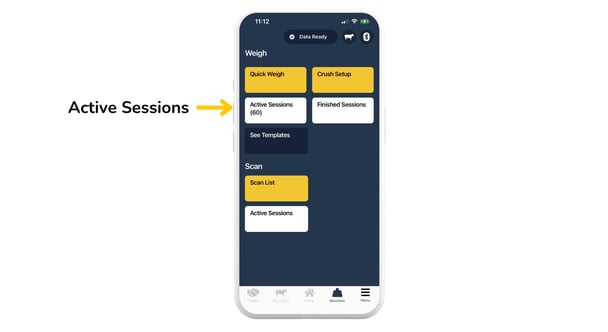
- Weighing sessions that you have paused - you can resume weighing sessions at any point.
- Weighing sessions you finished but did not have internet coverage to save and upload the session.
- Device-specific. Active sessions are only viewable by the recorder of that session.
- Editable and deletable.
Note: If you have an unstable connection, switch to flight mode on your phone to record the session. Make sure you have a good, stable connection after switching off flight mode for at least a few minutes before reopening the Breedr app. The session will then automatically sync up and move to 'Finished Sessions'.
What are 'Finished Sessions'?
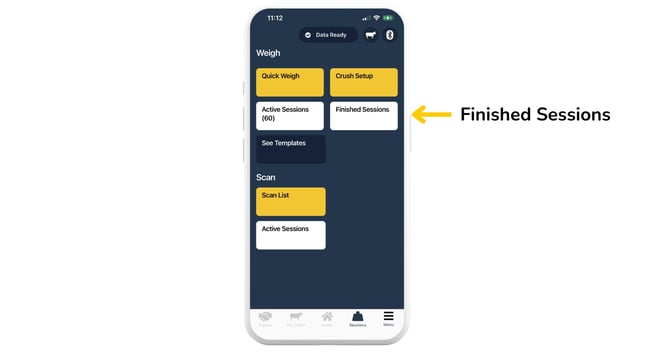
- Weighing sessions that you have finished and saved with a good internet connection.
- Previous 'Active Sessions' that have been saved with a good internet connection.
- Viewable for every user on every device relating to that Breedr account.
- Ability to record activities against animals.
What are 'Active Sessions' under 'Scan List'?
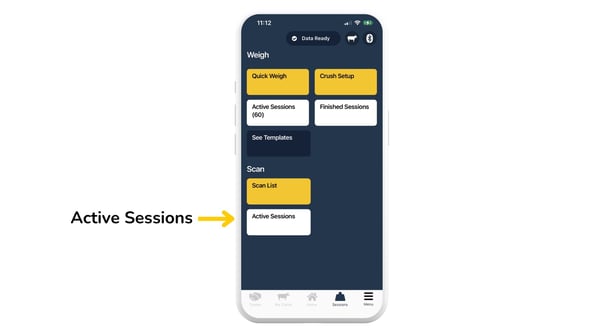
- All sessions recorded by 'Scan List'.
- Sessions which can be continuously edited.
- Viewable for every user on every device relating to that Breedr account.
- Ability to record activities against animals.
Relevant articles:
Navigating your Breedr reports
Recording activities against animals during of after a crush session
Need some help? Use the chat window to your right on the web or the help button on your mobile app, call our Customer Support team on +44 (0) 3300 436327 or email support@breedr.co.